
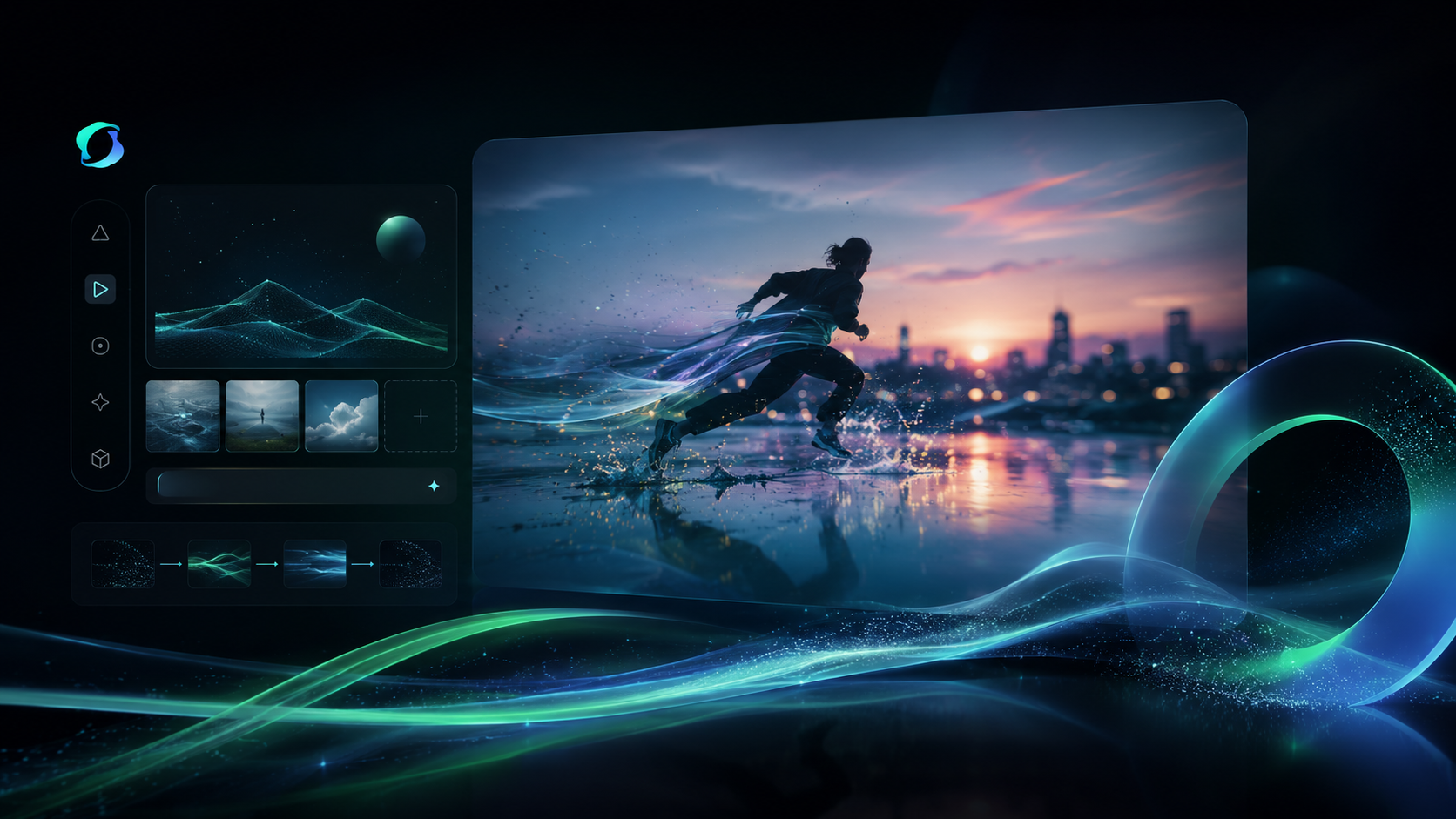
Kling 4.0 Image to Video overview
Kling 4.0 Image to Video specs
- Model ID
klingai/video-v4-image-to-video- Developer
- Kling AI
- Input
- Image
- Output
- Video
- Endpoint
POST https://api.aimlapi.com/v2/video/generations
What is Kling 4.0 Image to Video API?
Kling 4.0 image-to-video animates a first frame, optionally toward a last frame, into 3–30 second videos at 720p or 1080p. It is part of Kling AI's new-generation Kling 4.0 video model family and is available on AI/ML API through the video generation endpoint.
Technical specifications
- Supported inputs: first-frame image, optional last frame, optional text prompt
- Resolution: 720p or 1080p; aspect ratio follows the input frames
- Model ID: klingai/video-v4-image-to-video
- Release date: October 15, 2026
Where to use Kling 4.0 Image to Video
Product and e-commerce visuals
Bring product photos to life for listings, ads and launch pages.
Scene transitions
Set a first and last frame and let the model animate the transition between them.
Character and portrait animation
Animate illustrations, portraits or concept art into motion video.
Use cases
Kling 4.0 Image to Video turns a still image into a 3–30 second clip, suited to product shots, portraits and concept art.
Setting both a first and a last frame gives control over where the shot starts and ends, which fits scene transitions and before/after reveals.
An optional prompt directs camera movement and action within the frame.
The output keeps the aspect ratio of the input frames, so vertical and horizontal formats work without cropping.
Kling 4.0 Image to Video API pricing
| Usage | Price | Unit |
|---|---|---|
| Video generation | $0.157 | per second |
The final price depends on request parameters such as resolution or duration.
Prices from the AI/ML API price list, checked on Nov 4, 2026.
Kling 4.0 Image to Video vs other video models: prices
AI/ML API rates for 5 models, per second.
| Model | Per second |
|---|---|
 Kling 4.0 Image to Video | $0.157 |
| Kling 4.0 Reference to Video | $0.157 |
| Kling 4.0 Text to Video | $0.157 |
 OmniHuman v1.5 | $0.16 |
| Kling 4.0 Video Editing | $0.188 |
How to use the Kling 4.0 Image to Video API
View docs



Build with your agent
Give your agent the model details, code and documentation.
1Get your API key
Create API keyexport AIMLAPI_KEY="8f2b4c7d9a1e6b3f…"2Make your first request
curl 'https://api.aimlapi.com/v2/video/generations' \
  -H "Authorization: Bearer $AIMLAPI_KEY" \
  -H 'Content-Type: application/json' \
  -d '{
  "model": "klingai/video-v4-image-to-video",
  "image_url": "https://example.com/input.jpg"
}'
import os
import requests
headers = {
"Authorization": f"Bearer {os.environ['AIMLAPI_KEY']}",
"Content-Type": "application/json",
}
payload = {
"model": "klingai/video-v4-image-to-video",
"image_url": "https://example.com/input.jpg"
}
response = requests.post("https://api.aimlapi.com/v2/video/generations", headers=headers, json=payload, timeout=120)
response.raise_for_status()
print(response.json())const response = await fetch("https://api.aimlapi.com/v2/video/generations", {
method: "POST",
headers: {
Authorization: `Bearer ${process.env.AIMLAPI_KEY}`,
"Content-Type": "application/json",
},
body: JSON.stringify({
"model": "klingai/video-v4-image-to-video",
"image_url": "https://example.com/input.jpg"
}),
});
if (!response.ok) throw new Error(`HTTP ${response.status}`);
console.log(await response.json());The request returns a generation id. Poll GET https://api.aimlapi.com/v2/video/generations?generation_id=<id> until the status is completed.
Models similar to Kling 4.0 Image to Video


Related articles

Kling 4.0 Image to Video FAQ
What is Kling 4.0 Image to Video?
Kling 4.0 Image to Video animates a first frame, optionally toward a last frame, into a 3–30 second video at 720p or 1080p.
What inputs and outputs does Kling 4.0 Image to Video support?
It takes a first-frame image (image_url), an optional last frame (tail_image_url) and an optional text prompt, and returns a video. The output aspect ratio follows the input frames.
How long can Kling 4.0 Image to Video clips be?
Clips can be 3 to 30 seconds long at 720p or 1080p. Input images can be up to 30MB, at least 300px per side, with an aspect ratio between 0.4 and 2.5.
How much does Kling 4.0 Image to Video cost?
Kling 4.0 Image to Video costs $0.157 per second on AI/ML API, billed as you go with no subscription.
Can I set both the first and last frame?
Yes. Pass the first frame as image_url and the last frame as tail_image_url, and the model animates the transition between them.
How do I call Kling 4.0 Image to Video via API?
Submit a POST request to https://api.aimlapi.com/v2/video/generations with the model ID klingai/video-v4-image-to-video and an image_url, then poll with the returned generation_id until the status is completed.
What is the Kling 4.0 Image to Video model ID?
Use klingai/video-v4-image-to-video as the model parameter. Requests go to https://api.aimlapi.com/v2/video/generations with your AI/ML API key.