

Magic Image to Video overview
Magic Image to Video specs
- Model ID
magic/image-to-video- Developer
- Magic Inc.
- Input
- Image
- Output
- Video
- Endpoint
POST https://api.aimlapi.com/v2/video/generations
What is Magic Image to Video API?
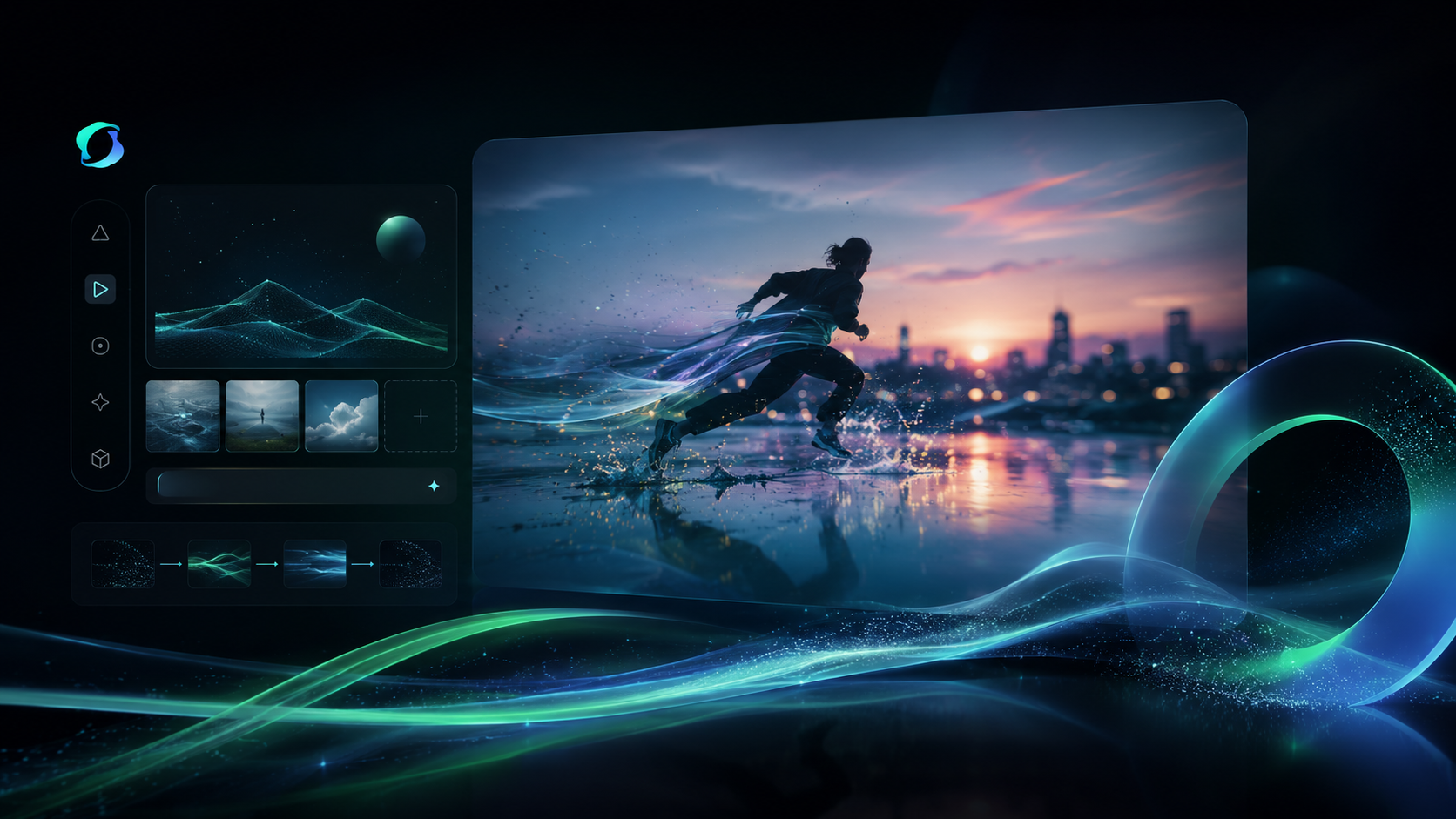
Magic Inc image-to-video model animates still images into smooth, coherent videos.
Magic Image to Video API Pricing
- Pricing on request
Where to Use Magic Image to Video
Use cases
The model is documented as suitable for embedding a custom image into a selected video template, with sound included. It is also documented for creating short-form product videos ready for product pages and social ads. Another documented use case is turning static product photos into dynamic marketing content for landing pages, feature teasers, or looping background videos. It is additionally described as useful for short-form social clips, including animated carousel images and creator-style content.
Magic Image to Video API pricing
| Usage | Price | Unit |
|---|---|---|
| Video generation | $0.5 | per generation |
Prices from the AI/ML API price list, checked on Nov 4, 2026.
Magic Image to Video vs other video models: prices
AI/ML API rates for 5 models, per generation.
| Model | Per generation |
|---|---|
 Magic Image to Video | $0.5 |
 Video 01 Live2D | $0.43 |
| Magic Text to Video | $0.5 |
| Magic Video to Video | $0.5 |
 Wan 2.1 Plus | $0.5 |
How to use the Magic Image to Video API
View docs



Build with your agent
Give your agent the model details, code and documentation.
1Get your API key
Create API keyexport AIMLAPI_KEY="8f2b4c7d9a1e6b3f…"2Make your first request
curl 'https://api.aimlapi.com/v2/video/generations' \
  -H "Authorization: Bearer $AIMLAPI_KEY" \
  -H 'Content-Type: application/json' \
  -d '{
  "model": "magic/image-to-video",
  "image_url": "https://example.com/input.jpg"
}'
import os
import requests
headers = {
"Authorization": f"Bearer {os.environ['AIMLAPI_KEY']}",
"Content-Type": "application/json",
}
payload = {
"model": "magic/image-to-video",
"image_url": "https://example.com/input.jpg"
}
response = requests.post("https://api.aimlapi.com/v2/video/generations", headers=headers, json=payload, timeout=120)
response.raise_for_status()
print(response.json())const response = await fetch("https://api.aimlapi.com/v2/video/generations", {
method: "POST",
headers: {
Authorization: `Bearer ${process.env.AIMLAPI_KEY}`,
"Content-Type": "application/json",
},
body: JSON.stringify({
"model": "magic/image-to-video",
"image_url": "https://example.com/input.jpg"
}),
});
if (!response.ok) throw new Error(`HTTP ${response.status}`);
console.log(await response.json());The request returns a generation id. Poll GET https://api.aimlapi.com/v2/video/generations?generation_id=<id> until the status is completed.
Models similar to Magic Image to Video

Related articles

Magic Image to Video FAQ
What inputs and outputs does Magic Image to Video support?
Magic Image to Video takes image as input and returns video.
When was Magic Image to Video released?
Magic Image to Video became available on December 26, 2025.
How much does Magic Image to Video cost?
Magic Image to Video costs $0.5 per generation on AI/ML API, billed as you go with no subscription.
How is Magic Image to Video billed?
Magic Image to Video is billed per generation, a fixed charge per output rather than by prompt length.
Can Magic Image to Video take an existing image as input?
Yes, Magic Image to Video accepts image input as well as a text prompt.
Who created Magic Image to Video?
Magic Image to Video was built by Magic Inc..
How do I call Magic Image to Video on AI/ML API?
Use magic/image-to-video as the model id on AI/ML API.
Is Magic Image to Video available through a single API key?
Yes. Magic Image to Video is served through AI/ML API, so the same key and endpoint format used for other models applies.
What should I choose Magic Image to Video for instead of a text-to-video model?
Use it when you already have a still image and want to animate it into video, rather than generating a scene from a text description.
What kind of video quality does Magic Image to Video aim to produce?
According to Magic Inc., the model animates still images into smooth, coherent videos.