OpenClaw Masterclass: LLMs as Real Autonomous Agents
OpenClaw is an open‑source and self‑hosted framework that transforms large language models (LLMs) into active, capable assistants that work across the apps and chat platforms you already use, from WhatsApp and Telegram to Slack and Discord. Instead of serving as passive chatbots, these agents can plan, code, and act managing real workflows and automations on your behalf.
What OpenClaw Is and Why It Matters
OpenClaw lets you talk to top LLMs (GPT, Claude, Gemini, Llama, DeepSeek, etc.) via everyday messengers and then gives those models the power to act: send emails, manage files, scrape websites, call APIs, and run scheduled workflows without human intervention. Instead of a developer wiring every integration, the LLM itself can write, save, and execute code on your agent host, effectively acting as both architect and implementer of automations.
The project has exploded in popularity, accumulating well over 100k GitHub stars and becoming one of the fastest‑growing open‑source AI repos, despite being far younger than long‑standing giants like Linux or React. The key reason developers care is the architecture: OpenClaw demonstrates a general pattern for agentic systems that many future frameworks are likely to follow.
OpenClaw is often compared to the Wright brothers’ first airplane: early, imperfect, and not “consumer safe”, but historically important because it proves a new way to build AI systems that can perceive, decide, and act in the real world.
Core Architecture: Six Conceptual Pieces
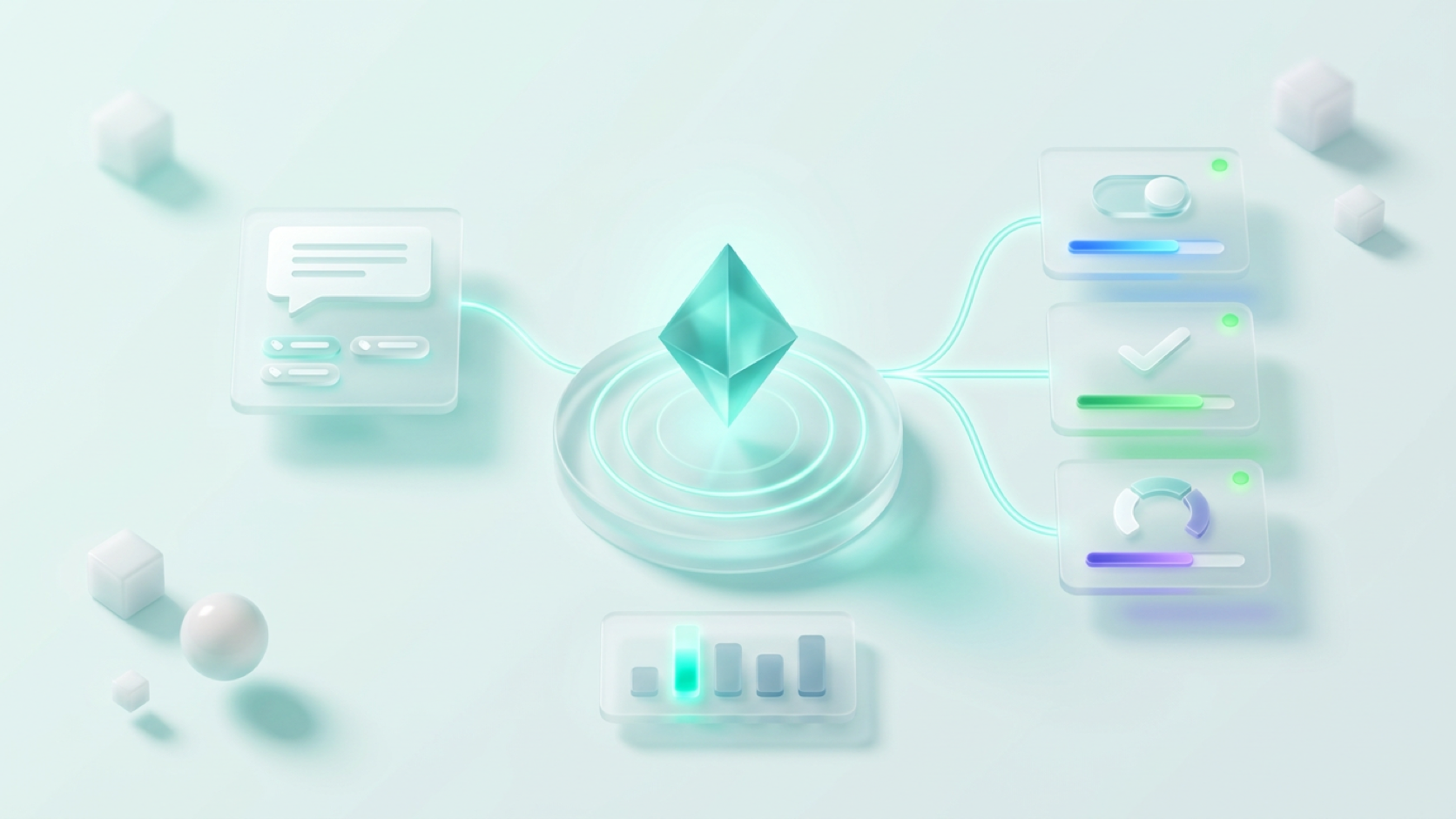
OpenClaw’s architecture can be understood through six essential elements that together form a complete pattern for modern autonomous agents.
- Gateway (Front Door and Router)
The gateway is a server process that sits between all your chat channels and the agent runtime. It receives messages from WhatsApp, Telegram, Slack, Discord, web chat, or custom APIs, normalizes them, and forwards them into the agent, then sends responses back out over the same channels. Because OpenClaw reuses existing messaging apps, you don’t need a new interface: you can trigger complex automations simply by messaging a bot from your phone while doing other things.
- LLM Layer (The Brain, Model‑Agnostic)
OpenClaw is designed to be model‑agnostic: it can talk to multiple providers (OpenAI, Anthropic, Google, Meta, Mistral, Groq and others) and swap models per task. You might route quick, cheap tasks (summaries, simple transforms) to a lightweight model like Gemini Flash, while using Claude Opus or GPT‑4‑class models for complex reasoning and code generation. Models can be switched at runtime via menus in chat or via config, which makes cost–quality tradeoffs very flexible.
- Pi Agent / Execution Runtime (The Hands)
The Pi Agent (often called the core runtime) is the execution engine that lets the LLM create, edit, and run code and files on the machine where OpenClaw is installed. The LLM writes scripts (for example, a Gmail integration, a scraper, or a CI watcher), instructs the Pi Agent to save them, and then asks it to execute them with access to tools like the shell, file system, browser, or external APIs. Because virtually every integration between two systems is just code, this pattern lets an LLM, in principle, connect to almost anything it can describe in code.
- Memory System (Personality and Context)
OpenClaw maintains persistent memory so your agent doesn’t start from scratch every time. At a basic level, configuration and persona are stored in human‑readable files likeAGENTS.mdand related metadata; more advanced setups also use vector stores and pluggable backends for semantic memory and long‑term context. Over time the agent accumulates preferences, ongoing tasks, and conversation history, allowing it to adapt to your style instead of treating every session as a blank slate.
- Cron & Heartbeat (Proactive Behavior)
A cron subsystem and heartbeat loop allow OpenClaw agents to wake themselves up on a schedule, inspect their state, and run tasks without waiting for a user prompt. Timers or cron jobs trigger the gateway, which loads the agent context, executes the planned workflow (for example, scraping competitors or sending a daily digest), and then goes idle again. This turns OpenClaw from a reactive chat assistant into a proactive background worker that can monitor, remind, and report.
- Skills (Reusable Expertise Modules)
Skills are modular prompt‑plus‑code bundles that extend what an agent can do: write PRDs, perform market research, manage email, run browser automation, and more. In many distributions, skills are stored as markdown or manifest‑based files with a name, description, and instructions, and can be discovered or installed from ClawHub, a community skill marketplace. When you ask the agent to do something like “draft a PRD for this feature”, it selects the appropriate skill, applies its template, and runs the associated tools automatically, so you don’t have to copy‑paste prompts.
How OpenClaw Differs From Chatbots and Automation Tools
Most mainstream LLM chat products (ChatGPT, Claude, Gemini chat UIs) excel at reasoning and text generation but have limited ability to interact directly with your systems; they typically require extra plugins or manual copy‑paste to act on results. On the other hand, traditional automation tools (like n8n or Make) can do powerful integrations, but they require users to wire nodes, manage API keys, and handle errors explicitly, which is often too technical for non‑developers.
OpenClaw aims to merge these worlds: the LLM plans and reasons, and then writes and executes the implementation steps itself, with you mainly giving high‑level instructions in natural language. For example, configuring Gmail access can become a conversational process: the bot instructs you to create a Google Cloud project, enable the Gmail API, and upload a credential file; once you send the JSON, it wires up the integration on its own host.
Four common weaknesses of today’s agents that OpenClaw tries to address are:
- Reactive‑only behavior: most agents only act when prompted; OpenClaw’s cron/heartbeat allows proactive, scheduled work.
- Manual tool wiring: typical agents need developers to pre‑configure tools; OpenClaw lets the LLM generate its own integration code.
- Weak memory/personalization: many systems forget between sessions; OpenClaw emphasizes persistent, pluggable memory stores.
- Limited extensibility: many products are single‑use; OpenClaw is open‑ended and can, in principle, automate any task expressible in code.
Installation Options and Recommended Setup
Because OpenClaw runs with broad system permissions, where you install it matters a lot.
- Personal laptop/desktop: technically possible but strongly discouraged, as the agent could access local passwords, documents, and private files if misconfigured or compromised.
- Dedicated spare machine: a small box like a Mac mini or Intel NUC can host OpenClaw full‑time but costs more upfront and requires you to manage power and connectivity.
- Virtual Private Server (VPS): widely recommended as the default: a clean, always‑on environment isolated from your personal data that you can destroy if needed.
Many guides suggest using common VPS providers, then deploying OpenClaw via Docker or a one‑line install script. A typical flow is: spin up a small VPS, use the provider’s container manager or SSH into the box, run the official OpenClaw compose or install command, and supply API keys for your chosen LLM provider (for example, Google Gemini’s free tier is a popular starting point).
For Telegram integration, you usually create a bot via the BotFather, grab the token, and paste it into the OpenClaw configuration or dashboard; similar steps exist for Slack, Discord, and other channels. Once wired, messaging that bot becomes your primary control interface for the agent.
Security Model and Best Practices
OpenClaw’s maintainers and community stress that the system is not secure by default; it’s powerful, and that power comes with real risks. Since the agent can run code and touch external systems, you are effectively the security engineer for your own AI “OS”.
Common best practices include:
- Prefer a VPS with no personal data over your primary laptop.
- Run regular security checks or audits and keep your host OS and Docker images updated.
- Treat skills like browser extensions: install only from trusted sources, review their code when possible, and be wary of obfuscation or broad permissions.
- Use separate, limited‑permission service accounts for email, chat, or project tools instead of your main accounts.
- Manage secrets with a dedicated secrets tool (for example, Doppler or similar) instead of hardcoding API keys into config files.
- Enable logging to an external database such as Supabase or another telemetry stack so you have a record of what your agent did even if the host is compromised or destroyed.
Community research has highlighted that some marketplace skills can contain credential stealers, hidden prompt injections, or other malicious payloads, which is why audit‑first workflows and sandboxing are strongly encouraged.
Example PM Workflow: Market Intelligence “Ghost”
A common real‑world use case is a product manager who wants a continuous “market intelligence ghost” running in the background.
- Define data sources
You list competitor sites, review platforms like G2 and Capterra, customer support channels, and call‑recording tools (for example, Gong or Fireflies), all of which generally expose APIs. You then ask the agent to create and configure scripts that connect to these endpoints using your keys.
- Fetch and refresh content
The agent installs or uses scraping and ingestion skills (often backed by tools like Puppeteer or headless browsers) to crawl those sources on a schedule via cron. It stores the extracted text and metadata in its memory or a connected database.
- Apply structured analysis
Rather than generic summarization, you instruct OpenClaw to run frameworks such as SWOT, PESTEL, or Porter’s Five Forces and to compare competitors along specific product and pricing axes. You can also provide a context file describing your company’s strategy so analyses are grounded in your priorities.
- Deliver results automatically
Through an email or chat integration, OpenClaw can send daily or weekly digests with key changes, trends, and alerts directly to your inbox or team channel. Similar patterns can be used for competitor monitoring, user feedback synthesis, release‑note aggregation, or alerts on metric anomalies.
The general pattern is: define sources → fetch data → apply a repeatable analytical template → deliver the output via your preferred channel.
Cost and Token Management
Because OpenClaw behaves like an autonomous agent that plans, writes code, executes tools, and iterates, each user‑visible action may involve many internal LLM calls and token rounds. This means naively designed workflows can become significantly more expensive than simple chat sessions with the same model.
Practical strategies include:
- Routing cheap tasks (summaries, filters) to low‑cost models and reserving expensive models for reasoning or non‑trivial coding.
- Setting strict per‑month spending caps and rate limits in your LLM provider dashboards to guard against runaway loops.
- Editing configuration files, skills, and prompts directly via SSH/IDE where appropriate instead of asking the LLM to mutate everything, which avoids unnecessary calls.
- Using logs and metrics to identify noisy workflows that can be simplified or batched.
The Mindset Shift
Traditional product thinking around LLMs asks: “What app can I build on top of this model?”; typical answers are vertical tools with tailored UIs for a narrow task. OpenClaw pushes a different question: “How do I give the LLM enough tools, memory, and execution capability to expand as an autonomous agent over time?”
This architecture — multi‑channel gateway, model‑agnostic LLM core, code execution runtime, persistent memory, modular skills, and proactive scheduling — is increasingly seen as a blueprint for agentic AI systems in general. Even if you never deploy OpenClaw itself, understanding these design principles positions you to design and lead the next generation of AI‑powered products and internal tools.